Usage Examples
Practical examples of how to use the Frame3D API for various use cases.
Single Render
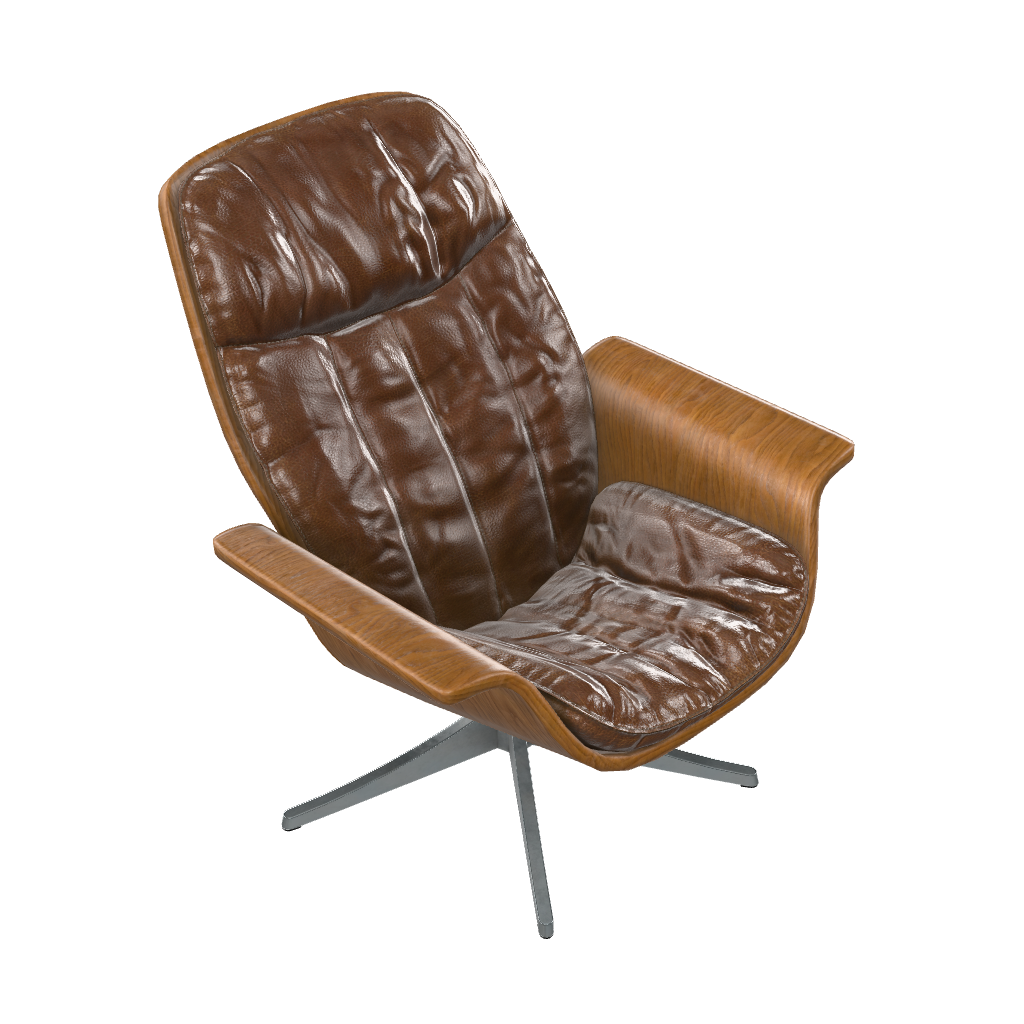
Generate a single image from a specific angle.
curl -X POST https://api.frame3d.dev/single \
  -H "Content-Type: application/json" \
  -H "x-api-key: YOUR_API_KEY" \
  -d '{
    "model": "https://example.com/model.glb",
    "roll": 15,
    "pitch": 15,
    "yaw": 45,
    "outputFormat": "png"
  }'
Single Render Response
{
  "success": true,
  "image": "data:image/png;base64,iVBORw0KGgoAAAANSUhEUgAA...",
}
Single Render Result
Single Render with Metadata
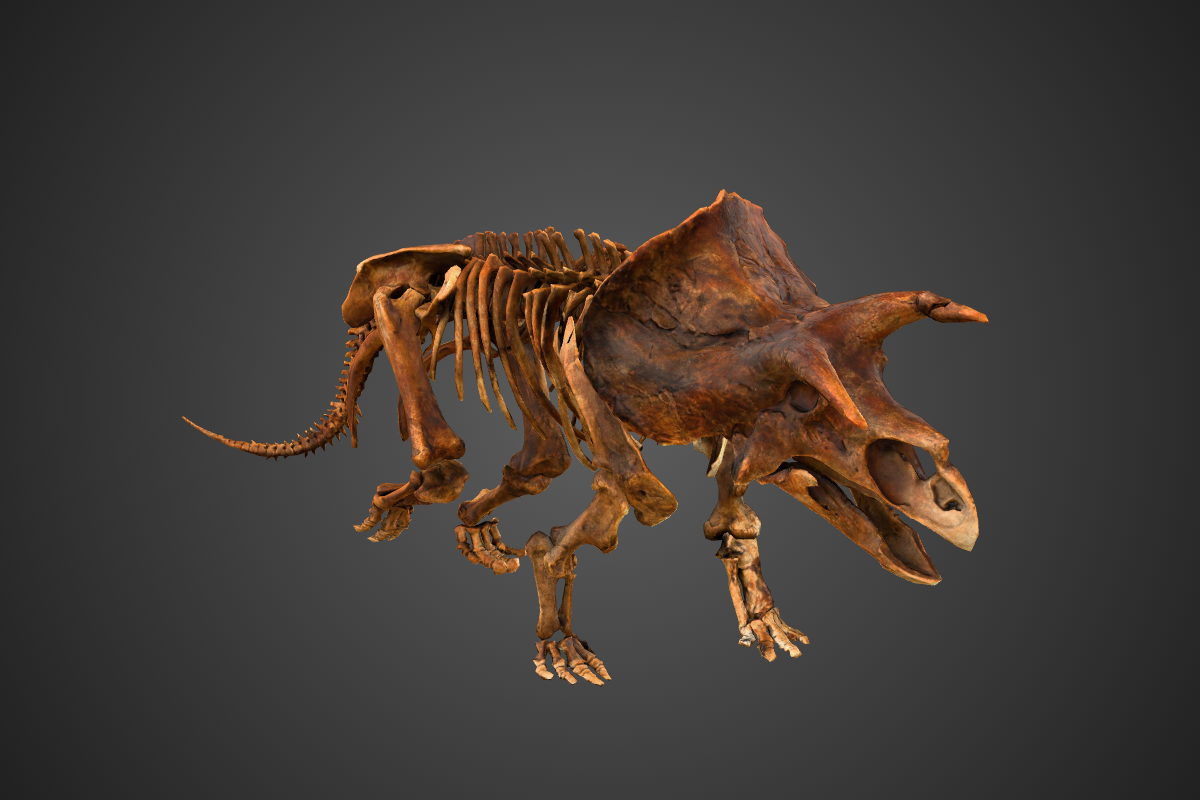
Generate an image and retrieve model metadata in the same request.
curl -X POST https://api.frame3d.dev/single \
  -H "Content-Type: application/json" \
  -H "x-api-key: YOUR_API_KEY" \
  -d '{
    "model": "https://example.com/model.glb",
    "includeMetadata": true,
    "background": "radial-gradient(circle, #5f5f5f 0%, #141414 120%)",
    "yaw": 45,
    "cameraDistance": 75,
    "width": 1200,
    "height": 800,
    "outputFormat": "png"
  }'
Metadata Response
{
  "success": true,
  "image": "data:image/png;base64,iVBORw0KGgoAAAANSUhEUgAA...",
  "metadata": {
    "triangles": 29160,
    "vertices": 36951,
    "meshes": 1,
    "materials": [
      "default"
    ],
    "textures": 3,
    "fileSize": 22538500,
    "isTextured": true,
    "animations": [
      {
        "name": "IdleGround",
        "duration": 6.616666793823242,
        "channels": 325
      },
      {
        "name": "RiseUp",
        "duration": 3.633333444595337,
        "channels": 325
      },
      {
        "name": "Roar",
        "duration": 6.5,
        "channels": 320
      },
      {
        "name": "RoarToWalk",
        "duration": 2.866666555404663,
        "channels": 325
      },
      {
        "name": "Walk",
        "duration": 2.4833333492279053,
        "channels": 319
      },
      {
        "name": "Fall",
        "duration": 5.733333110809326,
        "channels": 327
      }
    ]
  }
}
Metadata Result
Batch Render
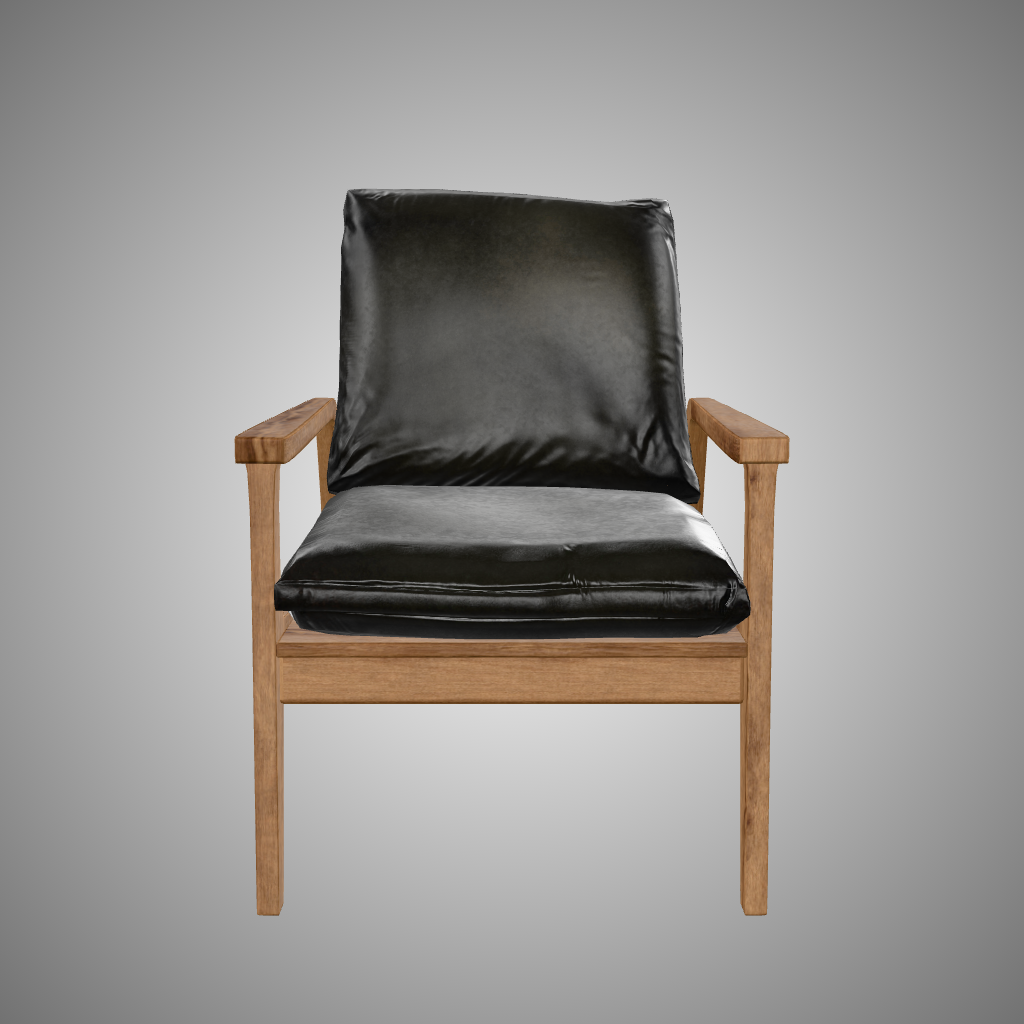
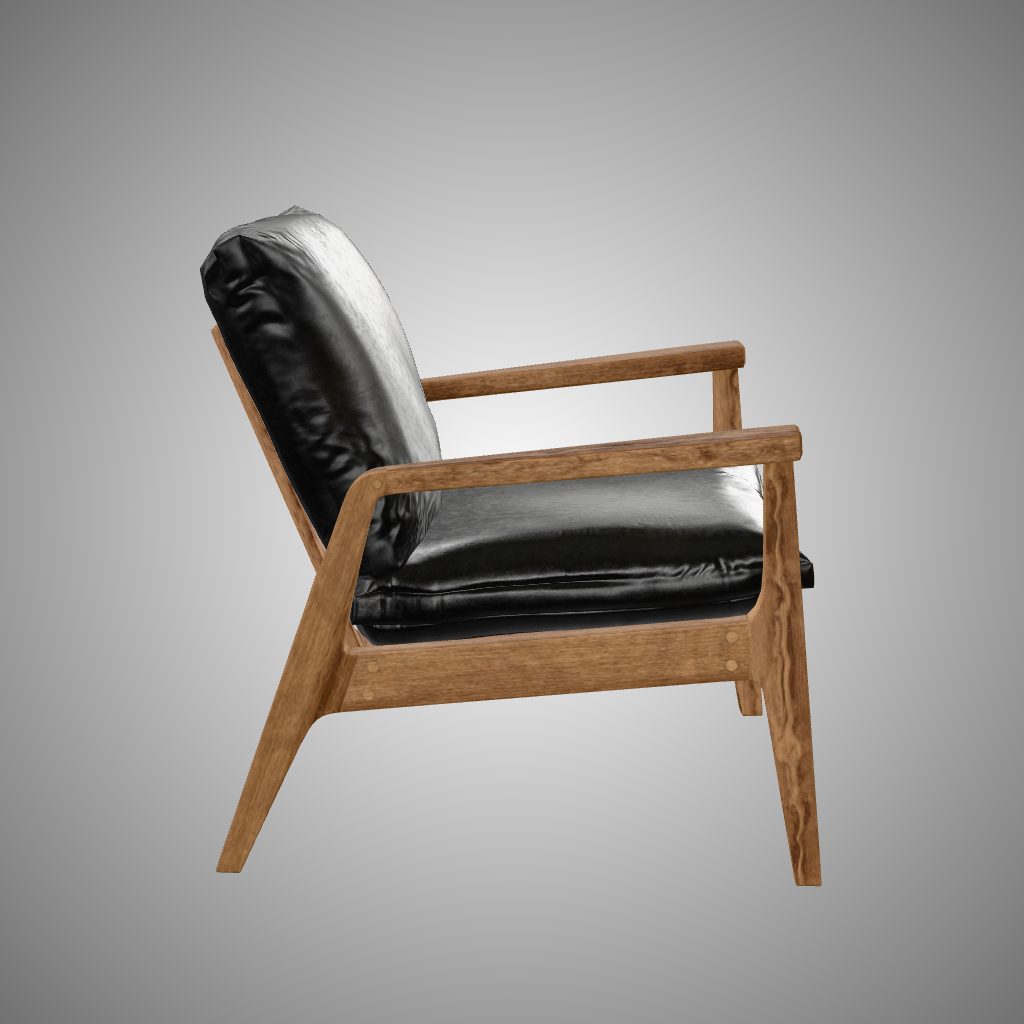
Generate multiple images with different parameters in a single request.
curl -X POST https://api.frame3d.dev/batch \
  -H "Content-Type: application/json" \
  -H "x-api-key: YOUR_API_KEY" \
  -d '{
    "model": "https://example.com/model.glb",
    "includeMetadata": true,
    "frames": [
      {
        "width": 1024,
        "height": 1024,
        "roll": 0,
        "pitch": 0,
        "yaw": 0,
        "background": "radial-gradient(circle, #ffffff 0%, #2b2b2b 150%)",
        "outputFormat": "png"
      },
      {
        "width": 1024,
        "height": 1024,
        "roll": 0,
        "pitch": 0,
        "yaw": 90,
        "background": "radial-gradient(circle, #ffffff 0%, #2b2b2b 150%)",
        "outputFormat": "png"
      },
      {
        "width": 1024,
        "height": 1024,
        "roll": 0,
        "pitch": 90,
        "yaw": 0,
        "background": "radial-gradient(circle, #ffffff 0%, #2b2b2b 150%)",
        "outputFormat": "png"
      }
    ]
  }'
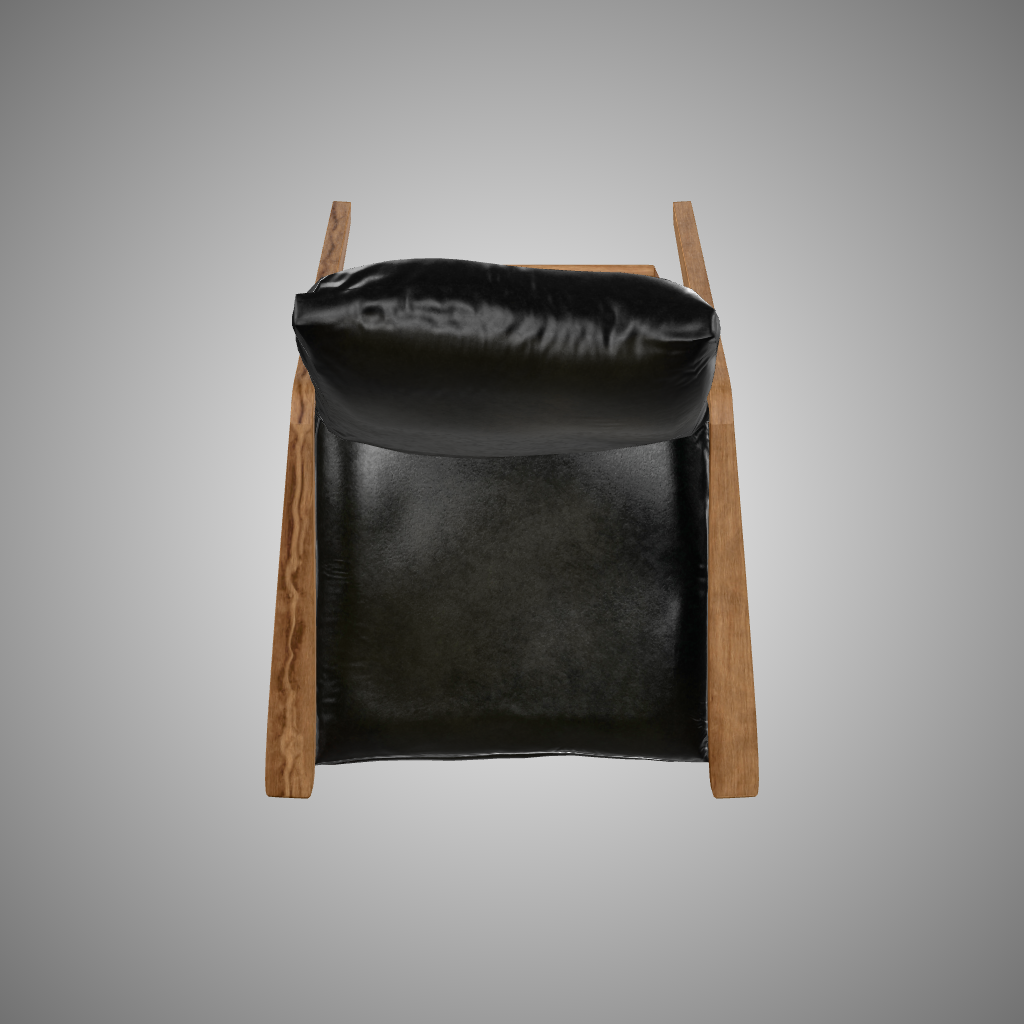
Batch Result
Rotation Sequence
Generate a sequence of frames rotating around the model.
curl -X POST https://api.frame3d.dev/sequence \
  -H "Content-Type: application/json" \
  -H "x-api-key: YOUR_API_KEY" \
  -d '{
    "model": "https://example.com/model.glb",
    "rotationAxis": "y",
    "frameCount": 32,
    "width": 1200,
    "height": 800,
    "background": "radial-gradient(circle, #5f5f5f 0%, #141414 120%)",
    "outputFormat": "png"
  }'
Rotation Result
Dynamic Orbit
Create a dynamic camera movement sequence.
curl -X POST https://api.frame3d.dev/sequence \
  -H "Content-Type: application/json" \
  -H "x-api-key: YOUR_API_KEY" \
  -d '{
    "model": "https://example.com/model.glb",
    "frameCount": 32,
    "width": 1200,
    "height": 800,
    "cameraOrbitSwingY": 65,
    "rotationOrbit": "x",
    "skybox": "https://example.com/space.jpg",
    "outputFormat": "png"
  }'
Dynamic Orbit Result
Animation Sequence
Render a sequence of a specific animation from the model.
curl -X POST https://api.frame3d.dev/sequence \
  -H "Content-Type: application/json" \
  -H "x-api-key: YOUR_API_KEY" \
  -d '{
    "model": "https://example.com/model.glb",
    "frameCount": 32,
    "background": "radial-gradient(circle, #5f5f5f 0%, #141414 120%)",
    "yaw": 45,
    "cameraDistance": 75,
    "width": 1200,
    "height": 800,
    "animationName": "Armature|Walk",
    "outputFormat": "png"
  }'
Animation Result
Video Generation with FFmpeg
You can combine the generated frames into a video file using FFmpeg.
Note:
The hosted API limits frameCount to 32 per request. To generate longer sequences (like the 66 frames below), you would need to make multiple requests or run Frame3D locally.
FFmpeg: Generate Frames
curl -X POST https://api.frame3d.dev/sequence \
  -H "Content-Type: application/json" \
  -H "x-api-key: YOUR_API_KEY" \
  -d '{
    "model": "https://example.com/model.glb",
    "background": "radial-gradient(circle, #5f5f5f 0%, #141414 120%)",
    "frameCount": 66,
    "rotationAxis": "y",
    "width": 1280,
    "height": 720,
    "shadowIntensity": 0.5,
    "shadowSoftness": 0.5,
    "outputFormat": "png"
  }'
FFmpeg: Convert to WebM
For a 3-second video (approx 23 fps):
ffmpeg -framerate 23 -i frame-%d.png -c:v libvpx-vp9 -crf 34 -b:v 0 -pix_fmt yuv420p -g 128 -an animation.webm
FFmpeg Result
Interactive Turntable
Create an interactive 360° view of your model.
Generate Frames
curl -X POST https://api.frame3d.dev/sequence \
  -H "Content-Type: application/json" \
  -H "x-api-key: YOUR_API_KEY" \
  -d '{
    "model": "https://example.com/model.glb",
    "rotationAxis": "y",
    "frameCount": 16,
    "yaw": 315,
    "width": 1536,
    "height": 1536,
    "outputFormat": "png"
  }'
Turntable Preview
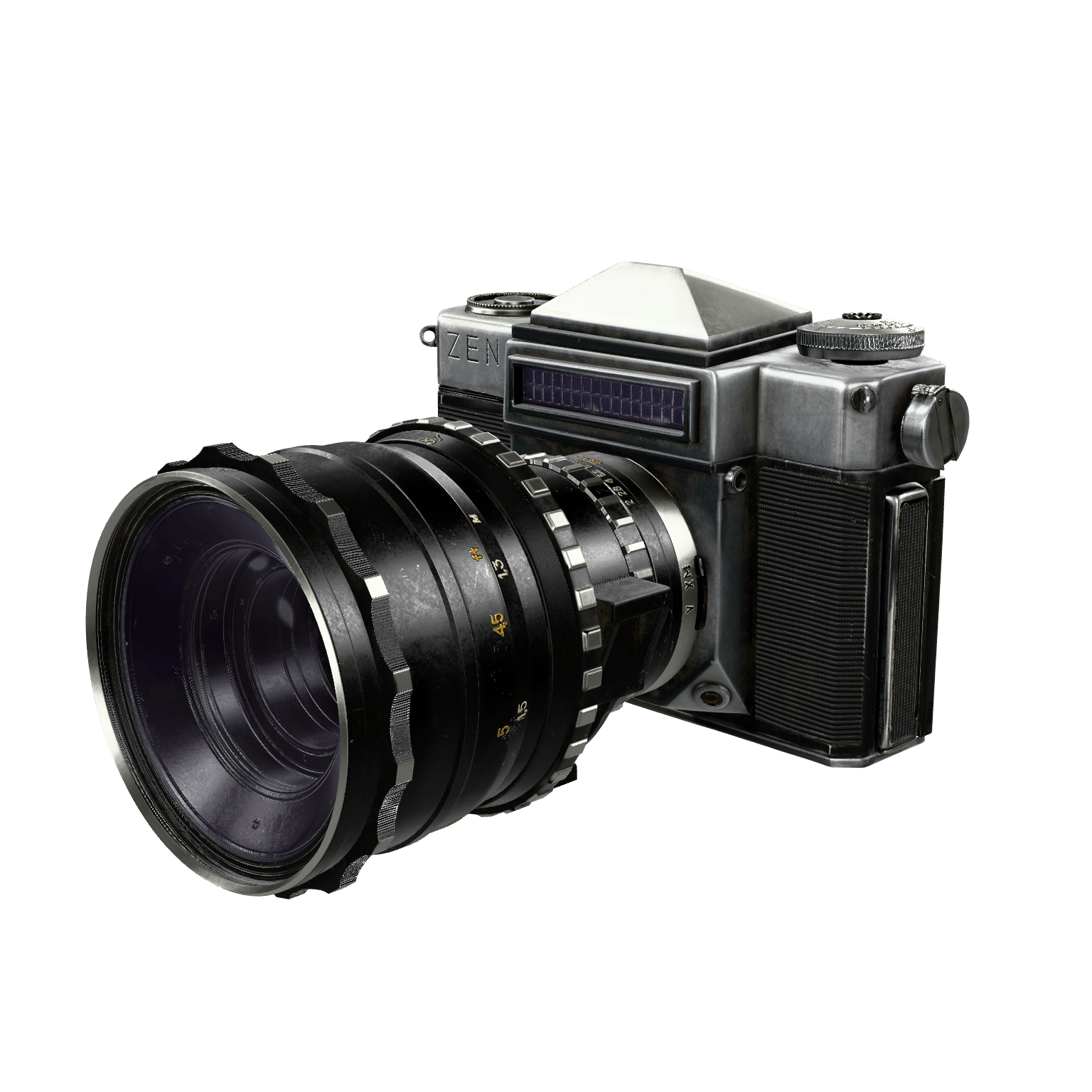
Hover + move to rotate
Frame 00
React Turntable Component
import { useEffect, useRef, useState } from "react"

export function Turntable({
  frames,
  alt = "Turntable frame",
  width = 800,
  height = 600,
  className = "",
}) {
  const [frameIndex, setFrameIndex] = useState(0)
  const lastXRef = useRef(null)
  const deltaRef = useRef(0)

  useEffect(() => {
    if (frames.length <= 1) return

    const preloaded = []
    frames.slice(1).forEach((src) => {
      const img = new window.Image()
      img.src = src
      preloaded.push(img)
    })

    return () => {
      preloaded.forEach((img) => {
        img.onload = null
      })
    }
  }, [frames])

  const framesCount = frames.length
  const currentFrame = frames[frameIndex] ?? frames[0]

  const stepFrame = (delta) => {
    if (!framesCount) return

    setFrameIndex((prev) => {
      const next = (prev + delta) % framesCount
      return next < 0 ? next + framesCount : next
    })
  }

  const handleMouseEnter = (event) => {
    lastXRef.current = event.clientX
    deltaRef.current = 0
  }

  const handleMouseLeave = () => {
    lastXRef.current = null
    deltaRef.current = 0
  }

  const handleMouseMove = (event) => {
    if (lastXRef.current === null || !framesCount) return

    const dx = event.clientX - lastXRef.current
    lastXRef.current = event.clientX
    deltaRef.current += dx

    const threshold = 25
    if (deltaRef.current >= threshold) {
      const steps = Math.floor(deltaRef.current / threshold)
      deltaRef.current -= steps * threshold
      stepFrame(steps)
    } else if (deltaRef.current <= -threshold) {
      const steps = Math.floor(deltaRef.current / threshold)
      deltaRef.current -= steps * threshold
      stepFrame(steps)
    }
  }

  return (
    <div
      className={`relative flex flex-col items-center select-none ${className}`}
      onMouseEnter={handleMouseEnter}
      onMouseLeave={handleMouseLeave}
      onMouseMove={handleMouseMove}
    >
      <div className="relative w-full overflow-hidden">
        {currentFrame ? (
          <img
            src={currentFrame}
            alt={alt}
            width={width}
            height={height}
            className="mx-auto h-full w-full object-cover"
          />
        ) : (
          <div className="aspect-[4/3] w-full" aria-hidden />
        )}
      </div>
    </div>
  )
}